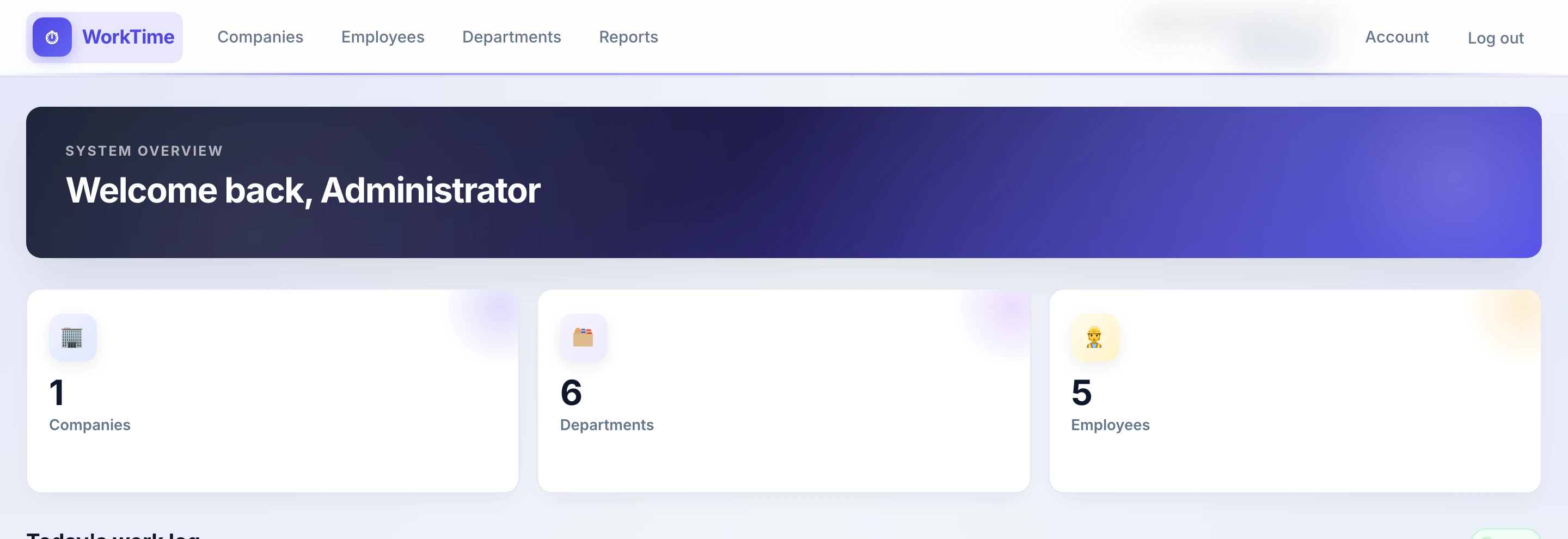
Live today
SignalR pushes the change as soon as someone uses the clock. Date, department and attendance filters stay.
For managers
The dashboard is today's log. The list moves as people clock in and out. The report adds hours when payroll needs a total.
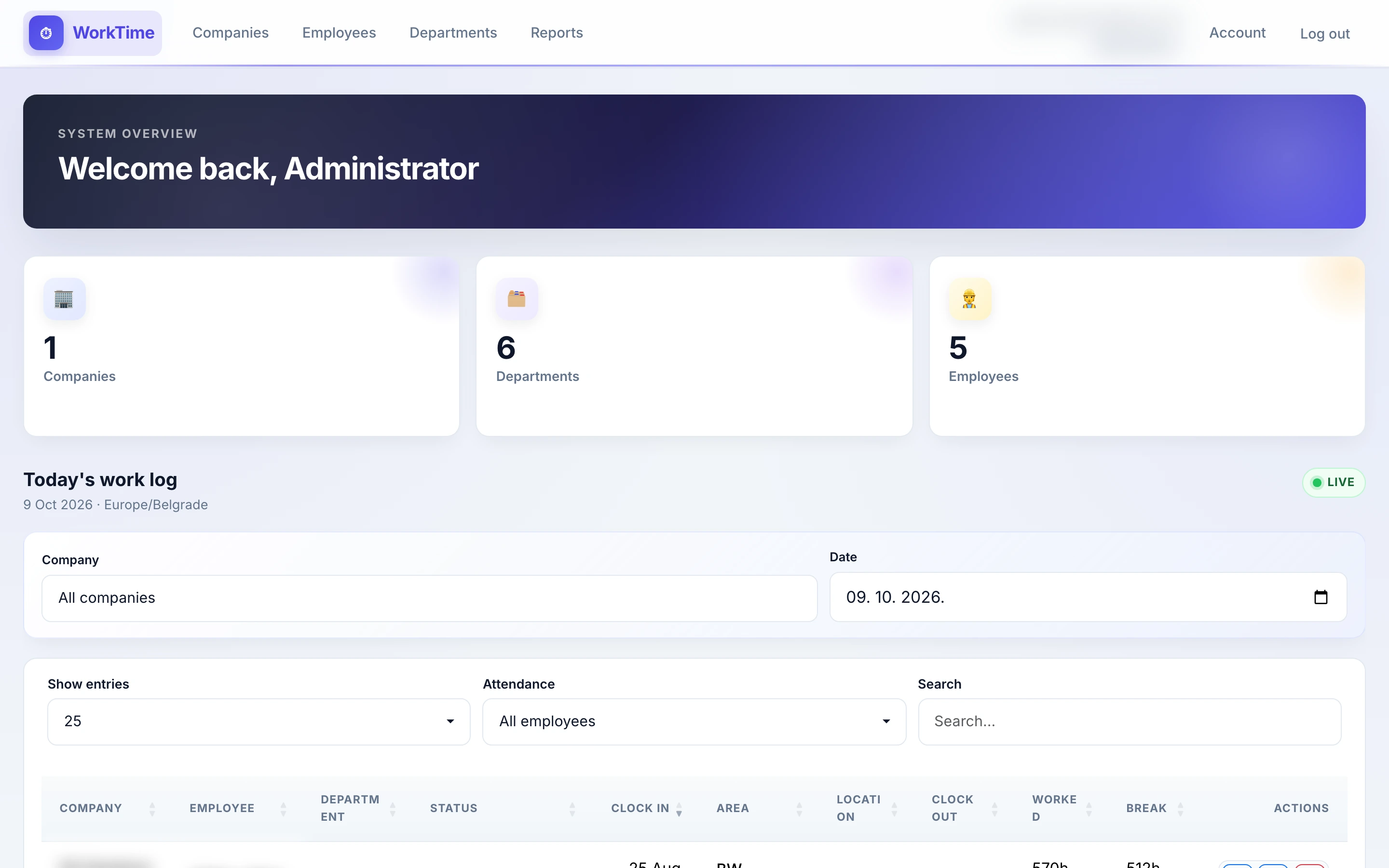
Work log
SignalR pushes the change as soon as someone uses the clock. Date, department and attendance filters stay.
A department head clocks someone in or ends a shift when the phone was forgotten. It applies to today.
A manager can correct clock in, clock out and breaks. Only the administrator can delete a shift.
Where the clock-in was. A record on the shift, not a track through the day.
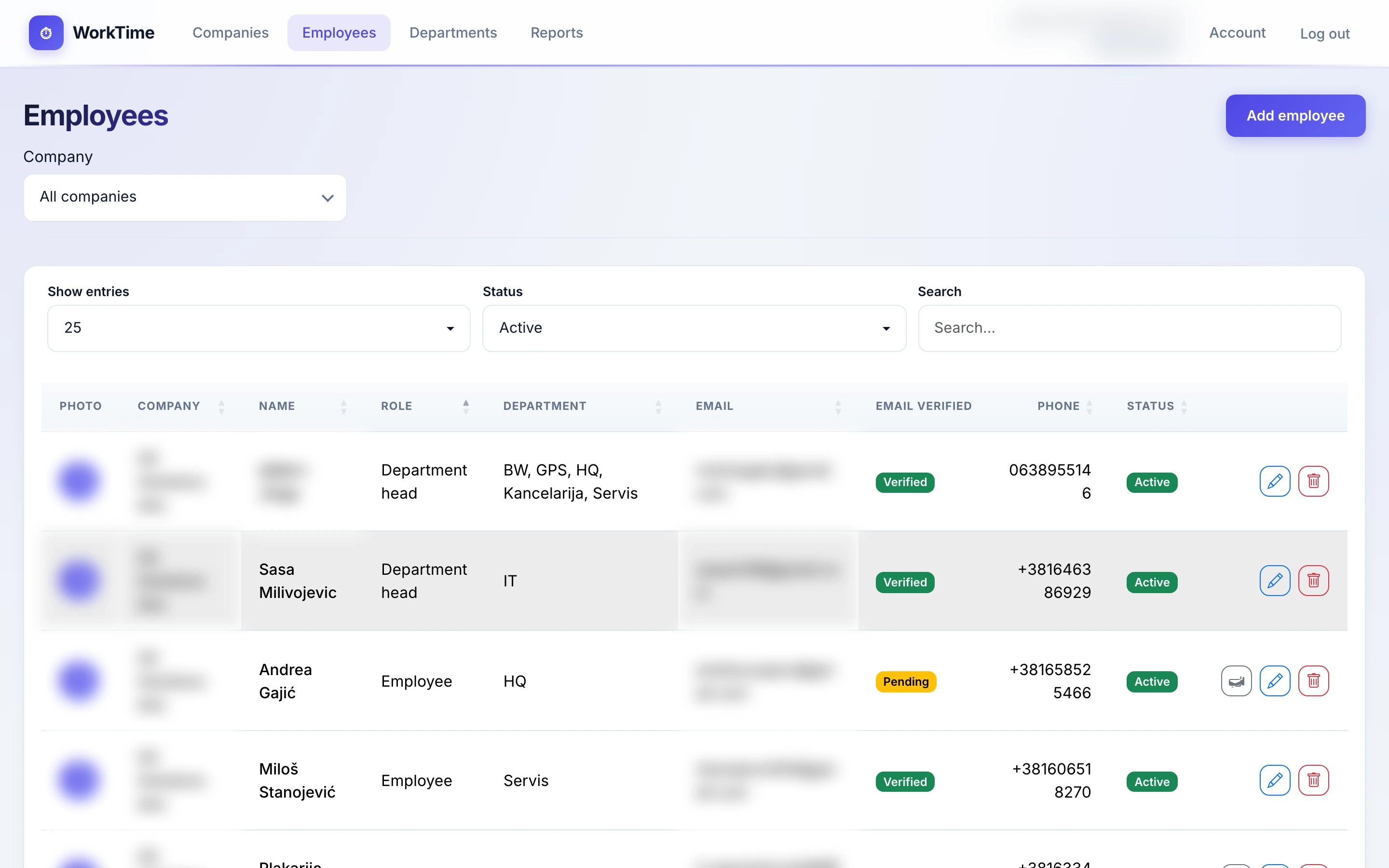
People
Profile, photo, documents and the link to a department. The account arrives by invitation; the recipient sets the password.
Reports
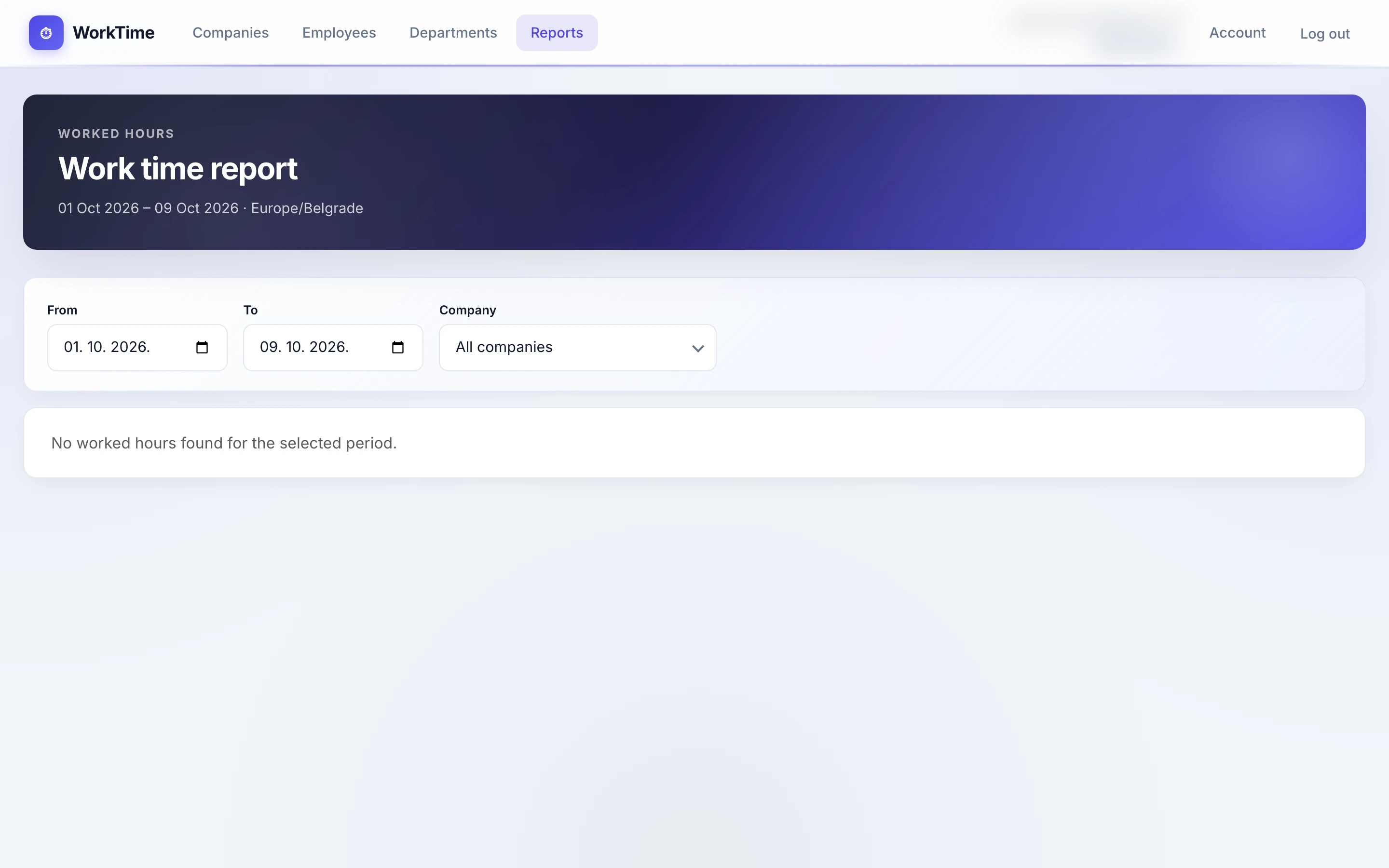
From and to, then worked time per person in the Europe/Belgrade zone. Scope matches the work log.
Contact
Tell us how many people clock in and whether they work on site or in the field. We show you the system and set it up for your company.
+381 11 4113133 office@git.rs Dr. Agostina Neta 56, Novi Beograd Mon–Fri: 09:00–17:00