Clock for the worker
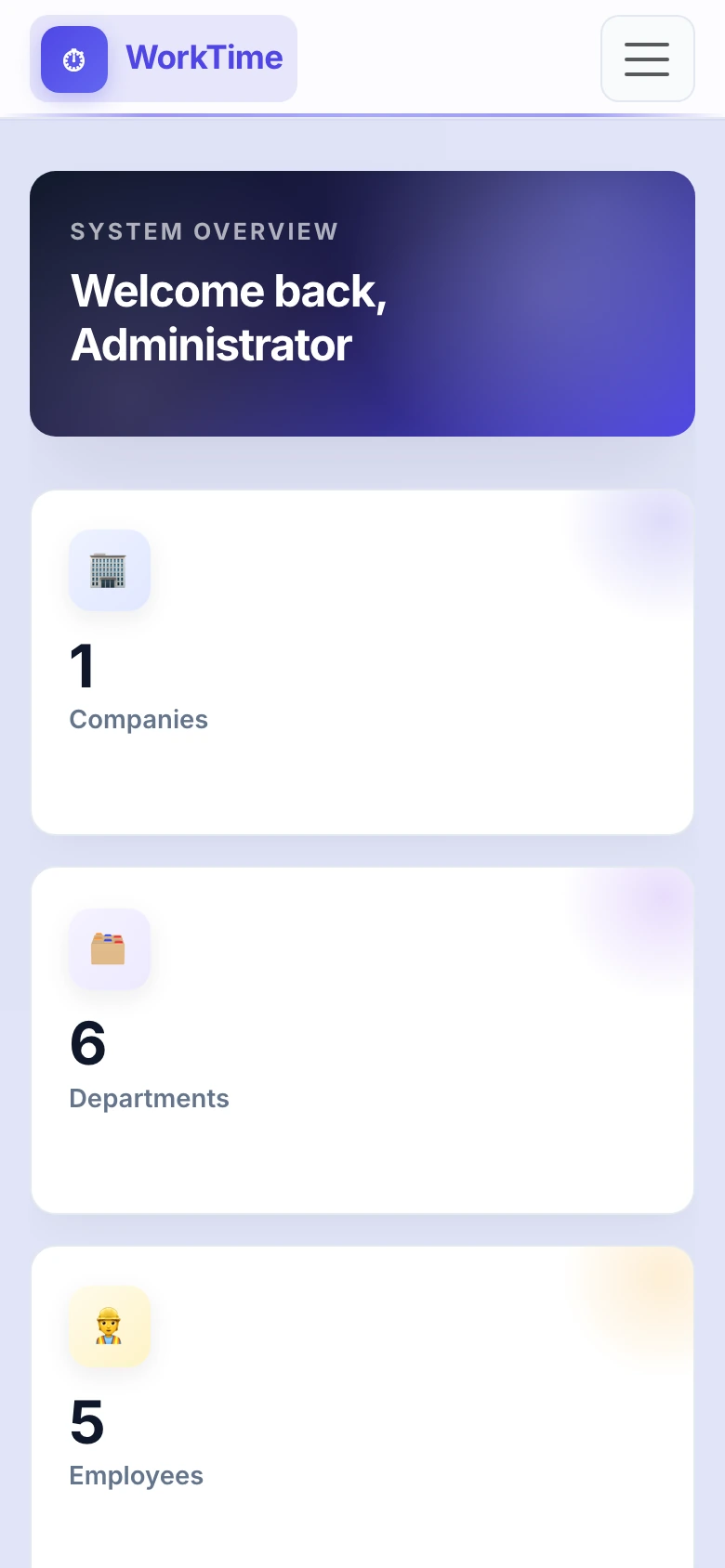
Clock in, break, clock out. Daily totals and a timeline on one screen built for the phone.
Records without paper
Someone taps Clock in. GPS stays on the shift. A manager sees who is in while the list updates itself.

How it works
The worker clocks in. The system stores the time, the break and GPS, and whether they were in the department zone.
A manager sees who arrived, who is on a break and who is not clocked in, without refreshing the page.
From–to, then the worked time in the Europe/Belgrade zone, ready for payroll.
Features
Clock in, break, clock out. Daily totals and a timeline on one screen built for the phone.
Several companies, a department tree, and heads who only see their part.
A department zone on the map. Outside the zone is recorded; clock-in still goes through.
Today changes as soon as someone uses the clock. SignalR, no polling.
Worked hours per person and period. The same scope as the work log.
Where the shift started. A location record, not tracking through the day.
An administrator or the company opens the person. There is no public signup on the home page.
Technology
WorkTime is not a boxed product with our logo on it. The clock, the live log and the reports were written by our team, so we can change them for how your company actually works.
One web app for clock, live log and reports
Where the shift started and whether it was in the zone
Invites, photos and documents stay on your stack
Security
Passwords are never stored in plain text. People set their own password from an email invitation.
Administrator, company admin, department head and worker. Scope is checked on every request, not only in the menu.
Accounts are created by an administrator or company admin. There is no self-service company signup.
Clock in, breaks and clock out stay in the work log. Managers can correct today's times; deleting a shift is only for the platform admin.
GPS is stored with the action. Being outside the department zone is noted, not blocked.
reCAPTCHA Enterprise, a short lockout after failed attempts, and HTTPS. Inactive accounts cannot sign in.
From the app
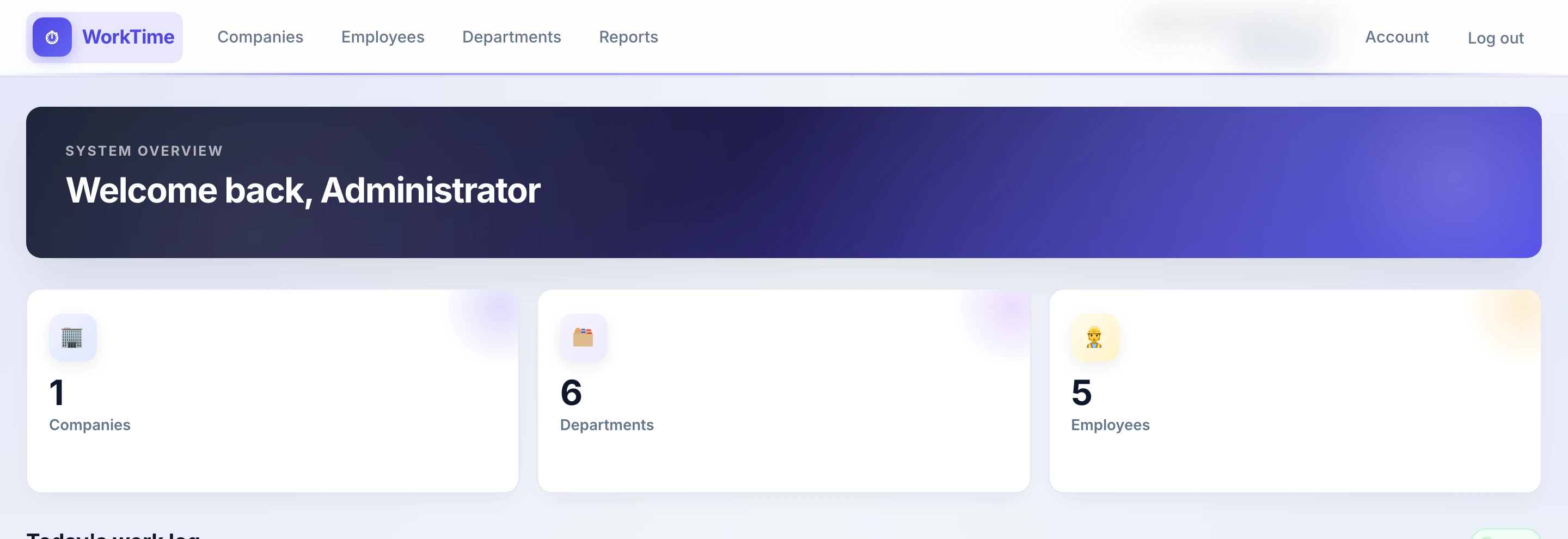
Dashboard, work log, departments and the report — the same screens a manager sees.


Who it is for
Every company, department, employee, the log and reports. Can delete a shift.
Their scope: people, a live log, a manual clock-in and the hours report.
Only the clock. After sign-in they go straight to clock in, break and clock out.
News
The company invites the employee by email. They set their own password and sign in. There is no public signup.
If someone forgot to clock in or out, the manager does it from the work log. Who intervened stays in the record.
A manager does not text people to ask who arrived. The dashboard list moves live.
FAQ
No. The clock, the log and the reports were written by our team. That is why we change them to match how your company works.
No. GPS is stored with every action. Being outside the department zone is recorded, not blocked.
An administrator sees every company. A company admin and a department head see their scope. A worker sees their clock, not other people's shifts.
By email invitation. The recipient sets the password. There is no public company signup from the site.
A department head or company admin clocks them in or ends the shift from the log, for today.
Europe/Belgrade. Reports add hours in that zone, not in the browser's clock.
The same web app runs in the browser and in the WorkTime iOS and Android app. Sign-in is /login.
Contact
Tell us how many people clock in and whether they work on site or in the field. We show you the system and set it up for your company.
+381 11 4113133 office@git.rs Dr. Agostina Neta 56, Novi Beograd Mon–Fri: 09:00–17:00